
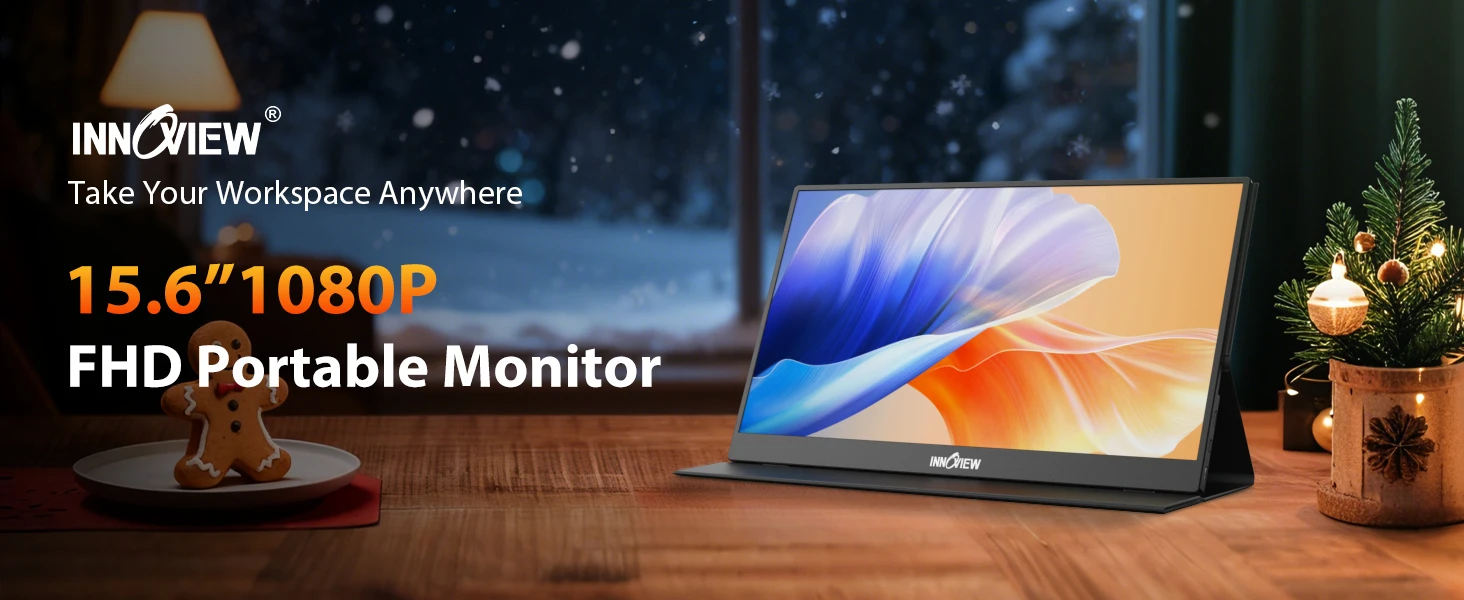
15.6 Inch Laptop Screen Extender 1200 to 1 Contrast 178 Wide View Angle Low Blue Light Flicker Free for All Day Office Work
Black / INVPM406-08B
513,03 SEK
Hoppa till produktinformation




15.6 Inch Laptop Screen Extender 1200 to 1 Contrast 178 Wide View Angle Low Blue Light Flicker Free for All Day Office Work
513,03 SEK
SPECIFICATIONS
Touch control: No
Brand: InnoView
Interface Type: Usb
Screen Type: LCD
after-sales service: Repair,Return and Replacement
aspect ratio: 16:9
backlit type: LCD
brightness: 250cd/m
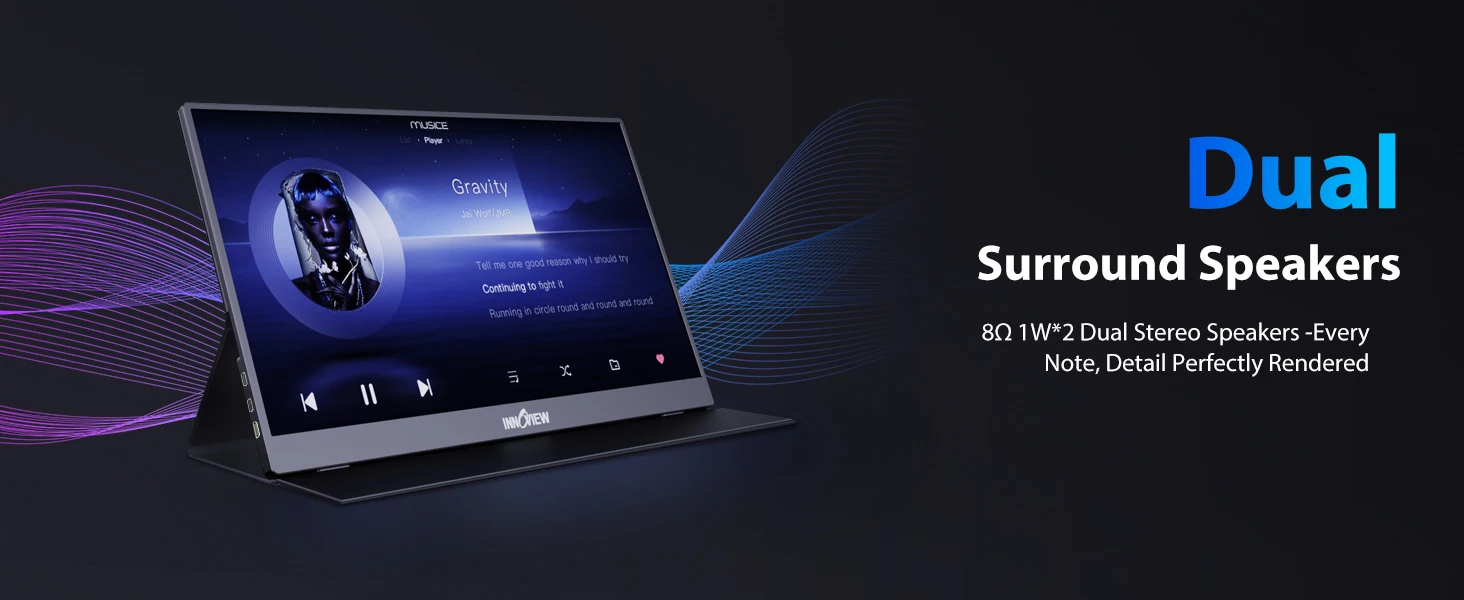
built-in speaker: Yes
contrast ratio: 1200:1
display ratio: 16:9
panel type: IPS
place of origin: Anhui, China
refresh rate: 60 Hz
resolution: 1920 X 1080
response time: 3 Ms
screen size: 15.6 inch
series: For Home & Student
Product Highlights
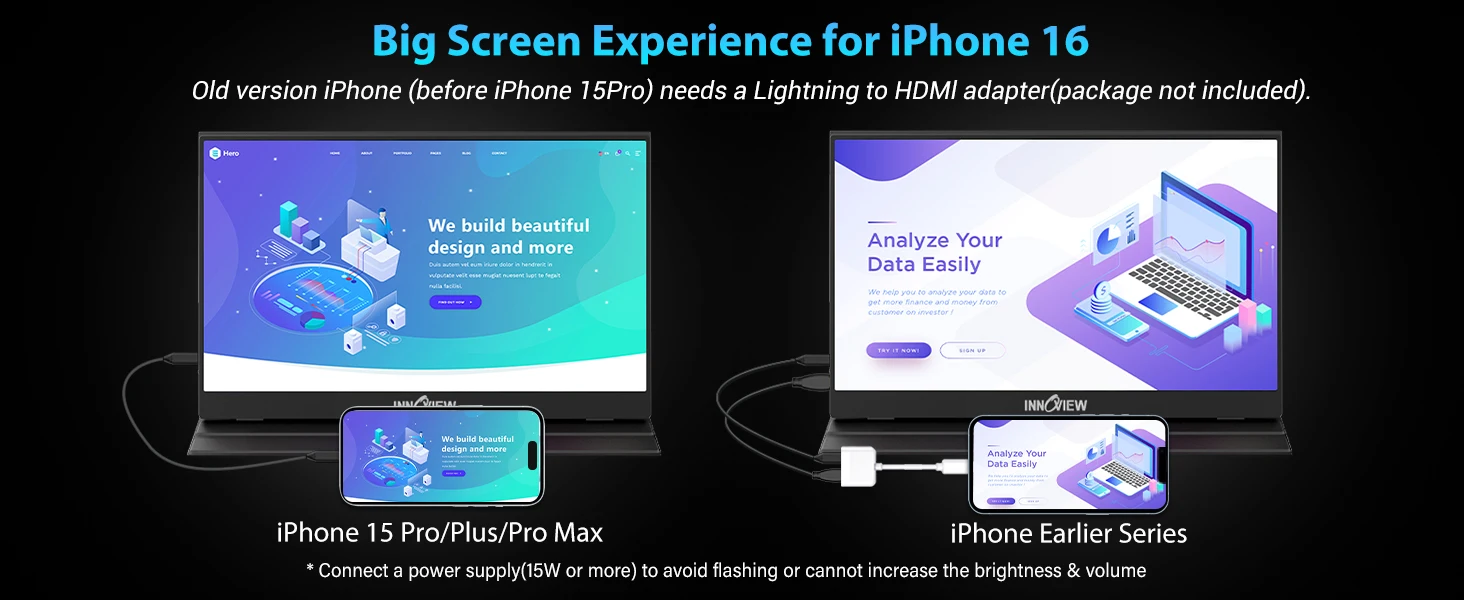
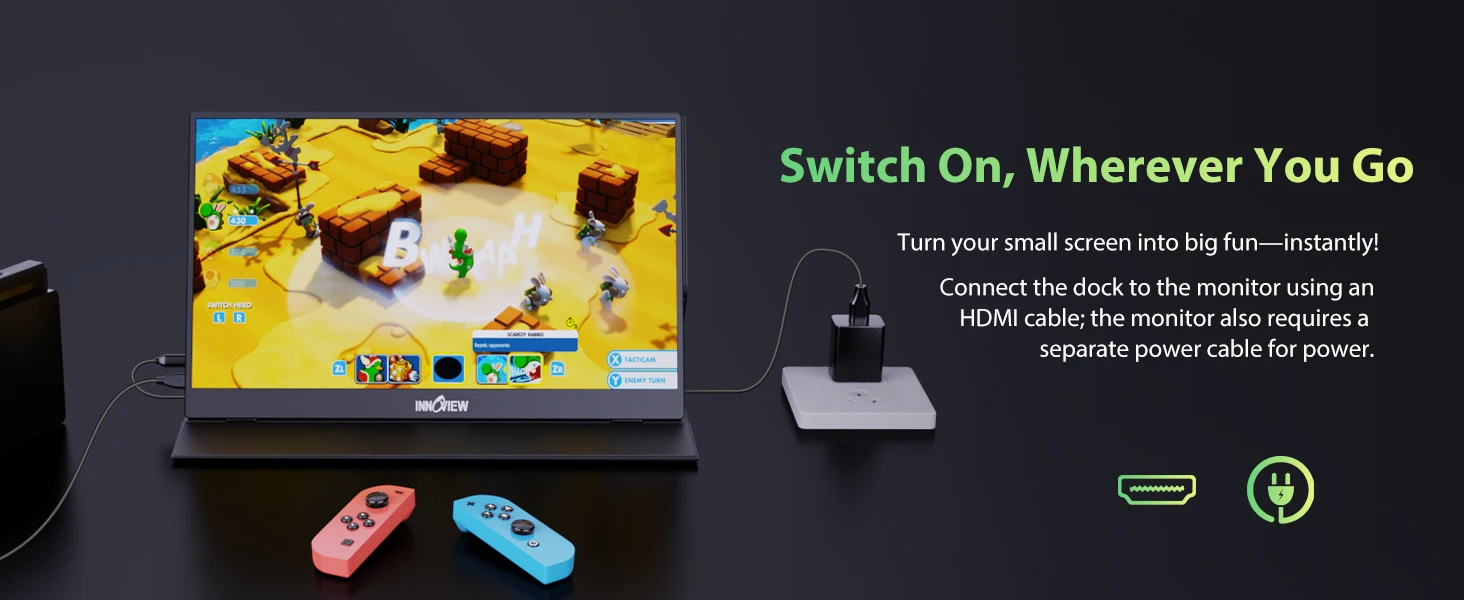
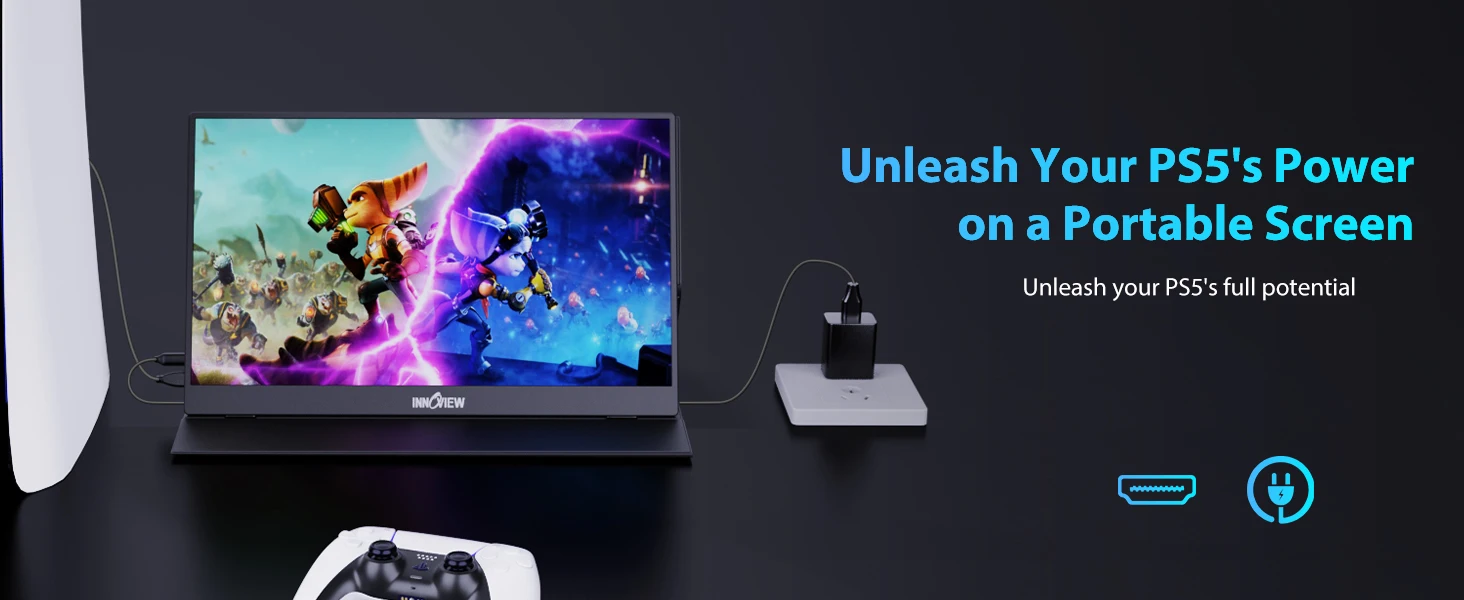
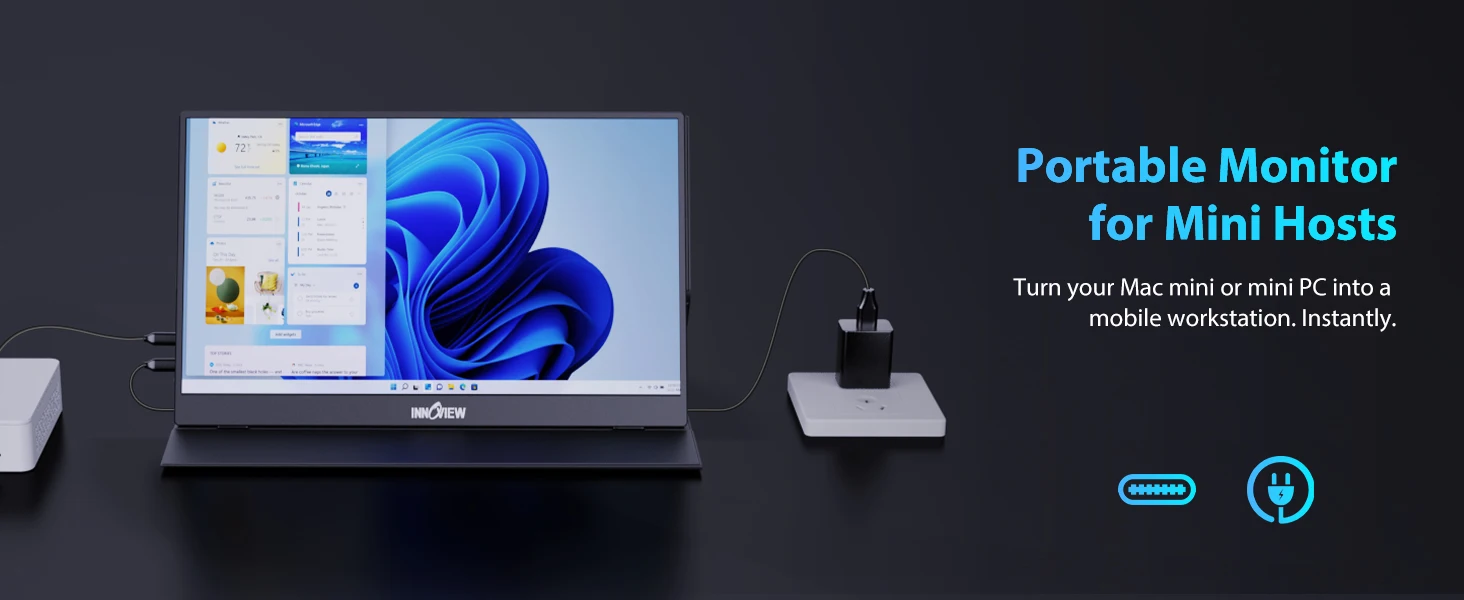
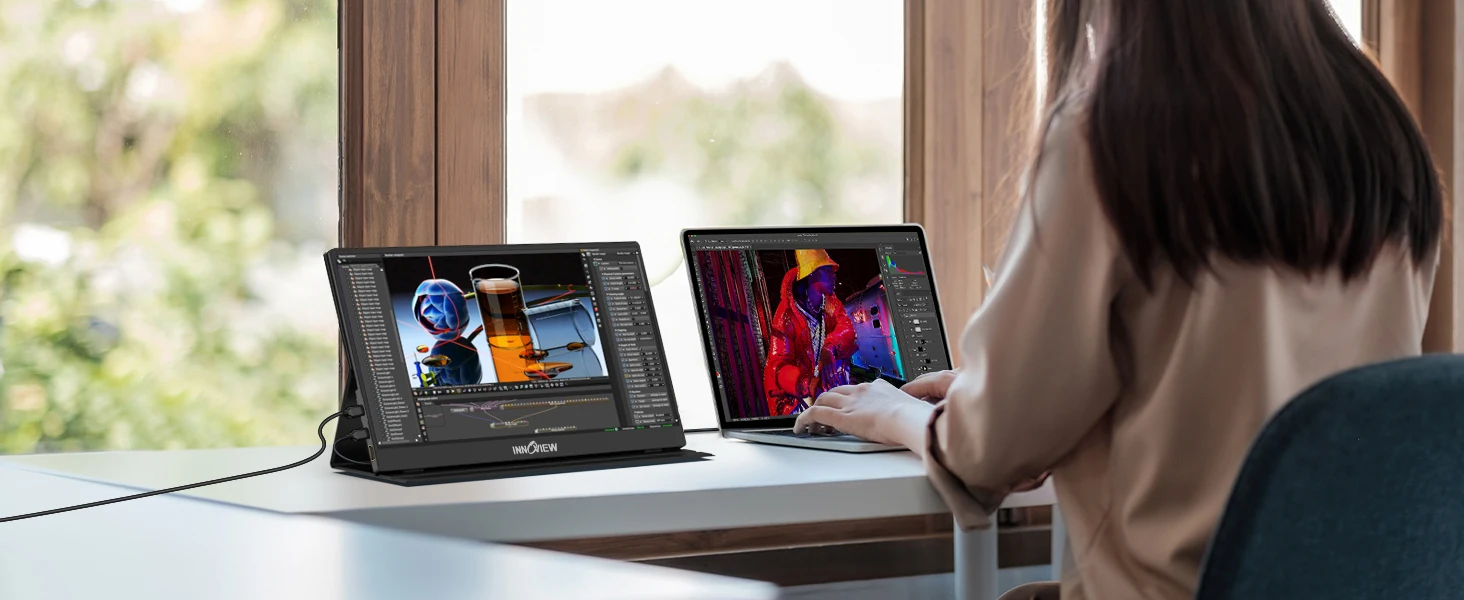
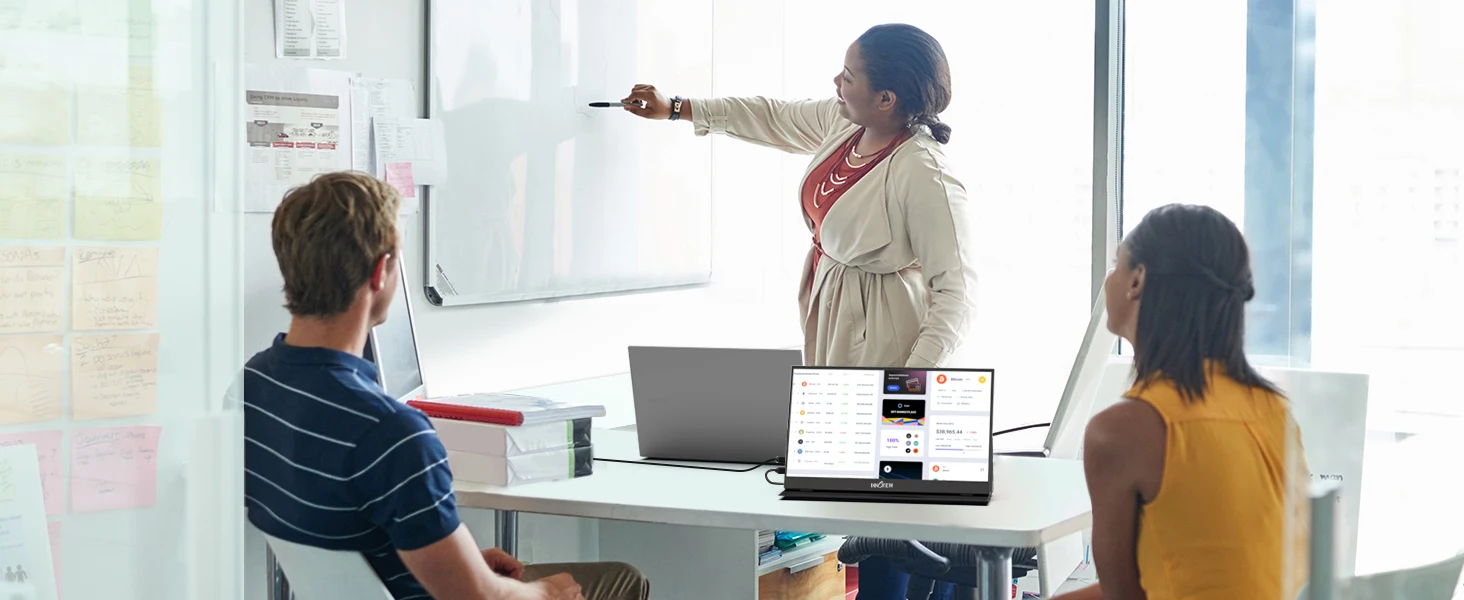
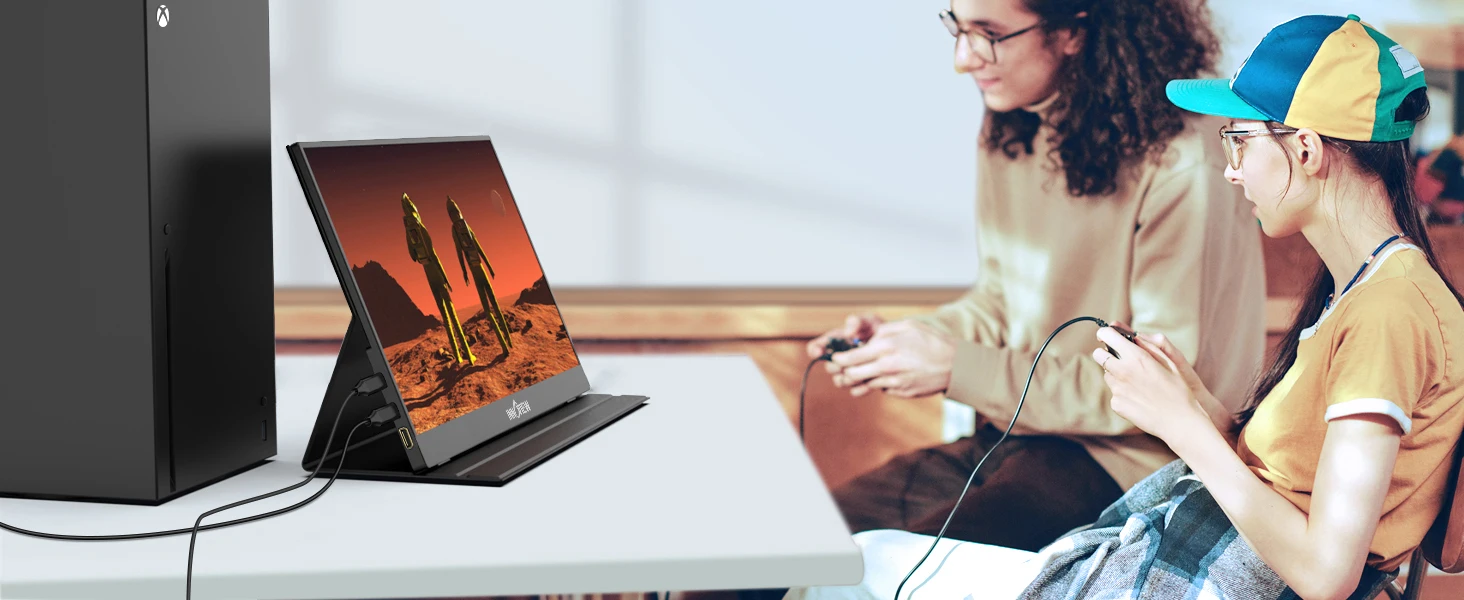
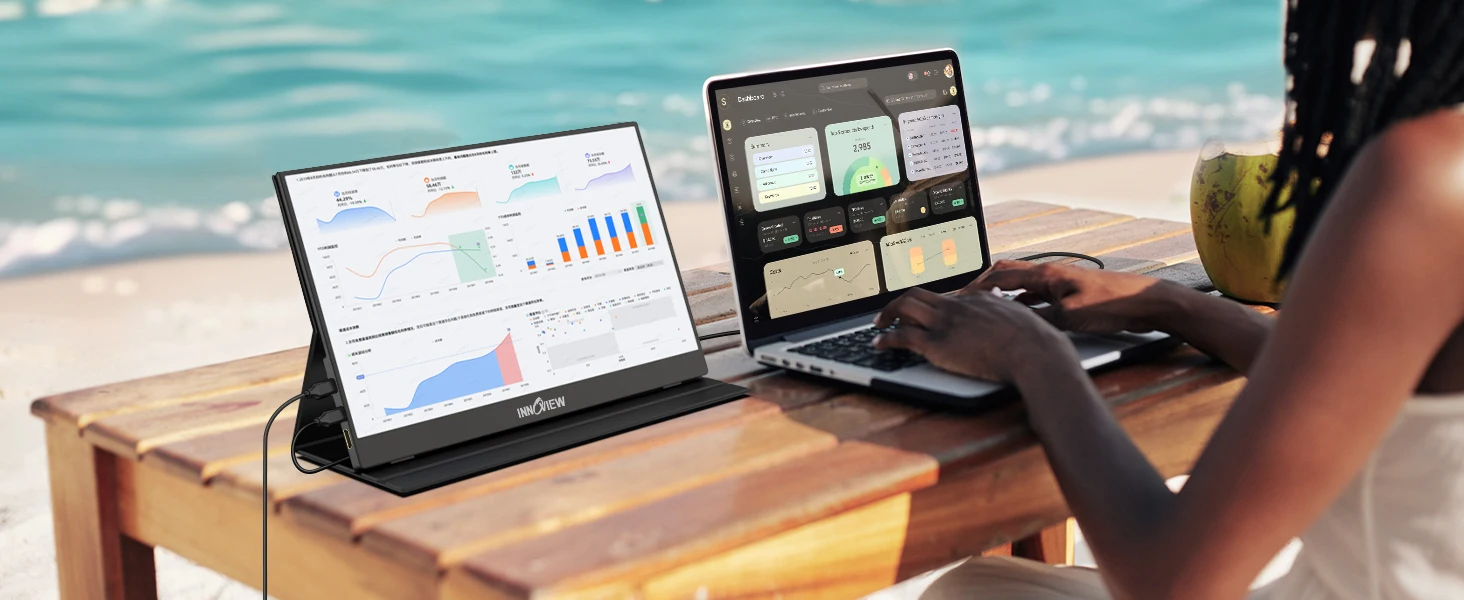
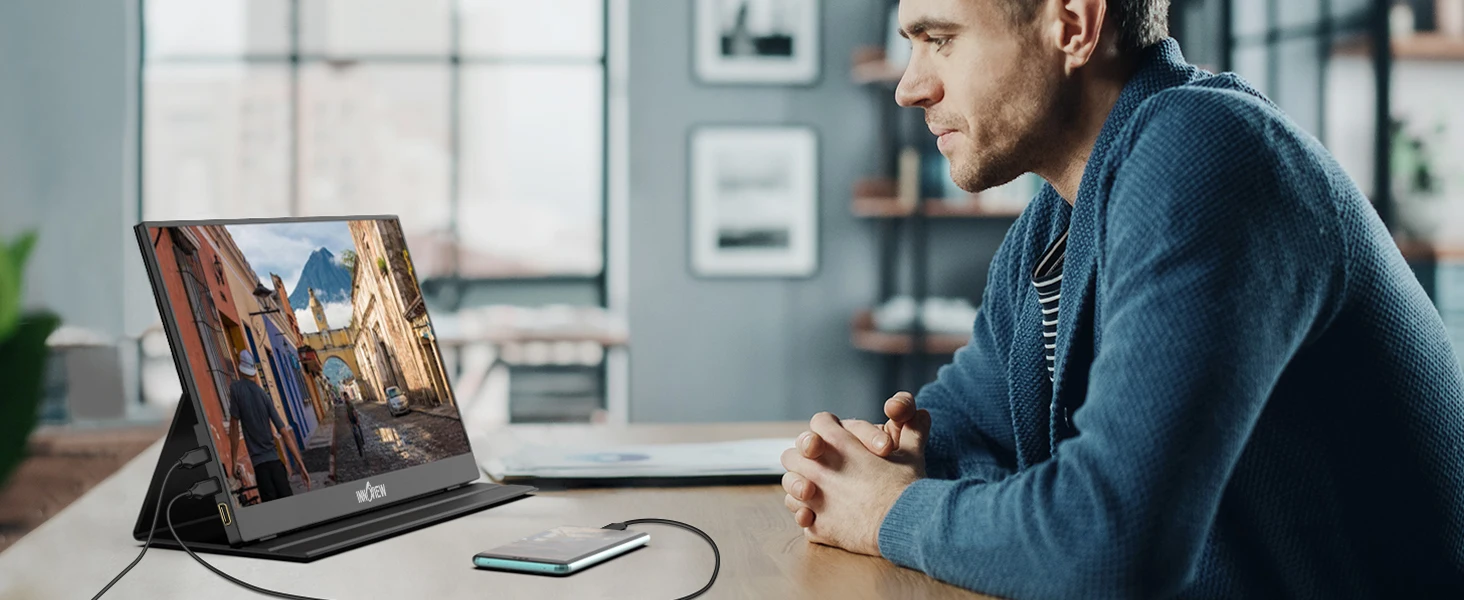
Driver-free 15.6" portable monitor, widely compatible with laptops, phones, game consoles for work, study and gaming
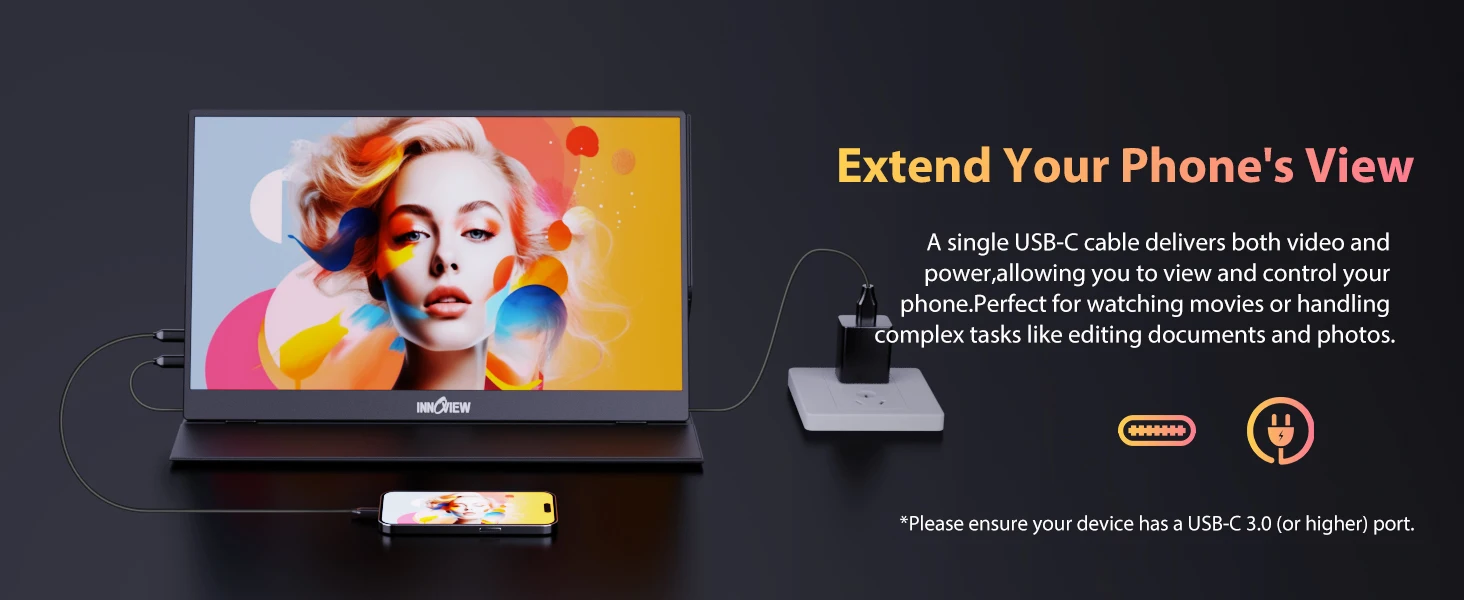
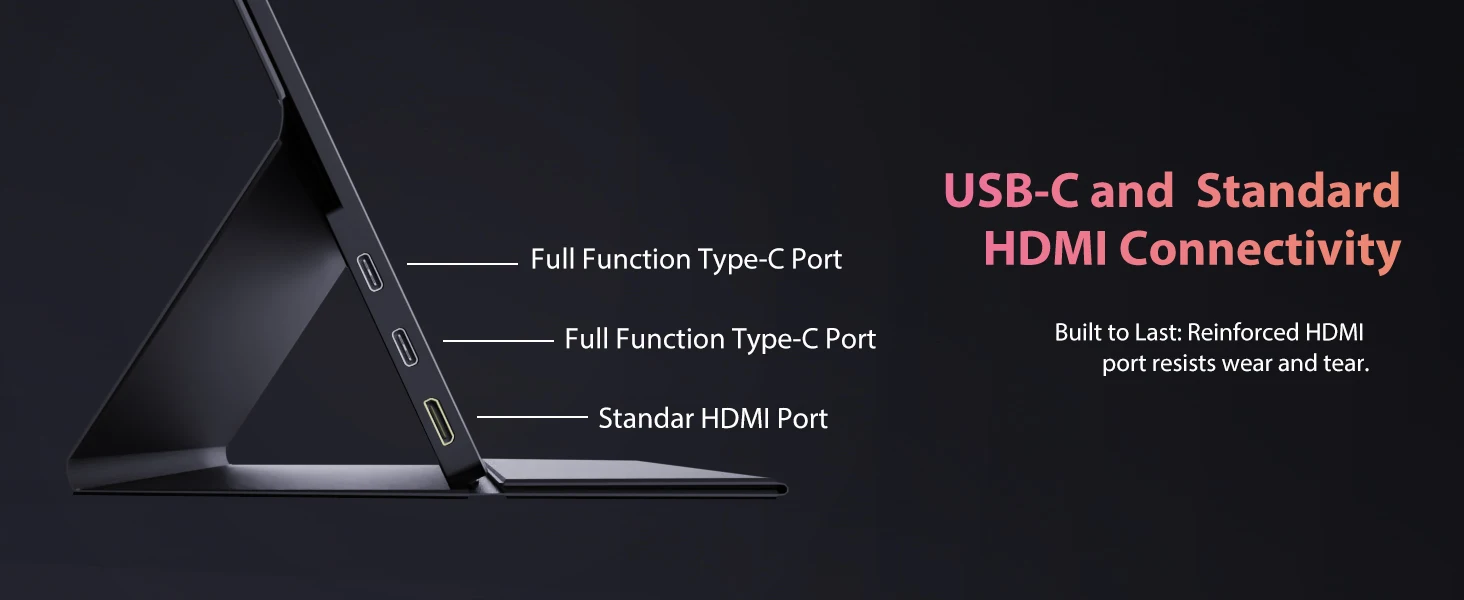
Dual full-function Type-C & HDMI ports, plug-and-play with reverse charging function
1080P A+ IPS panel with HDR & low blue light, 178° wide viewing angle for eye-friendly vivid visuals
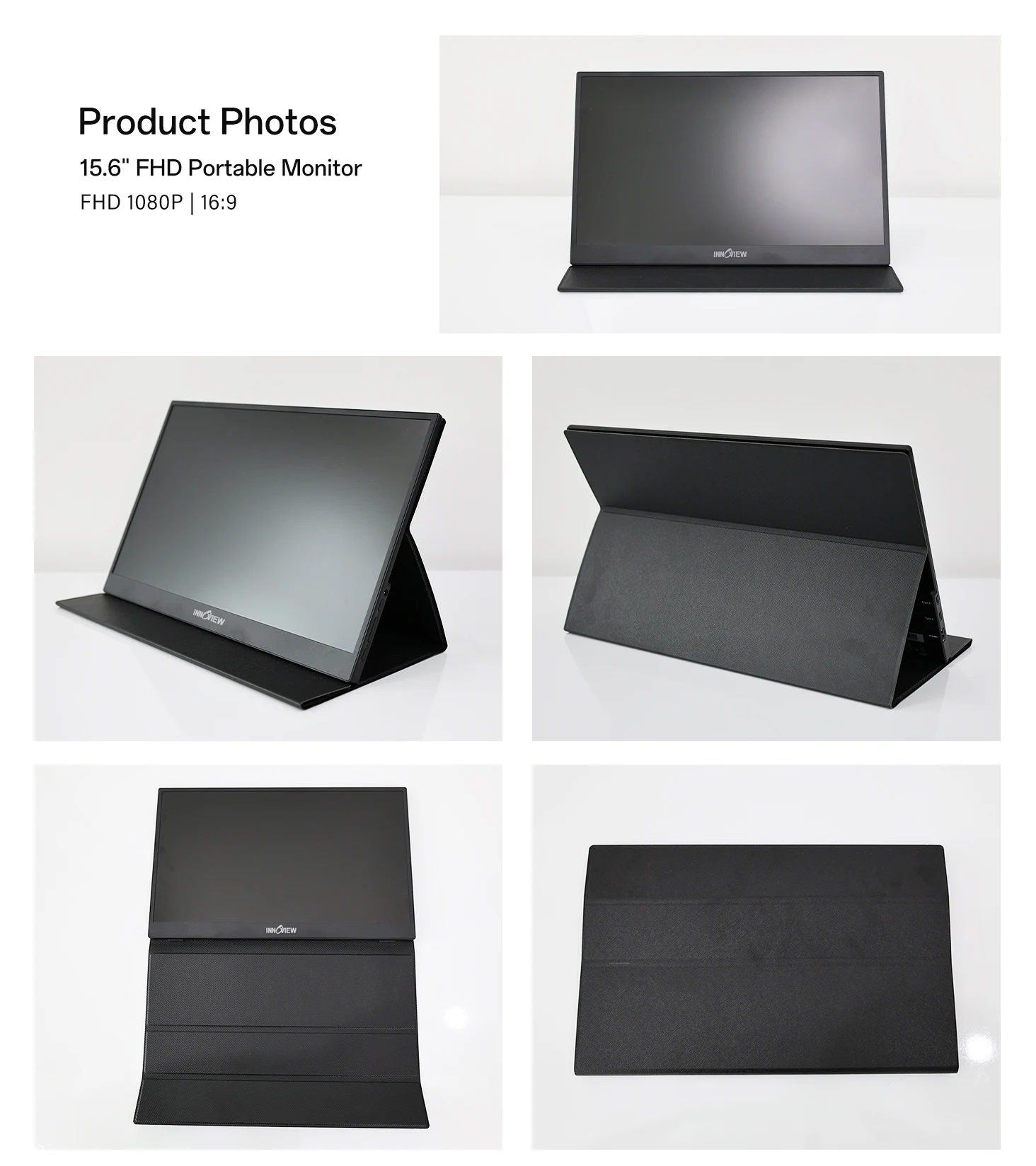
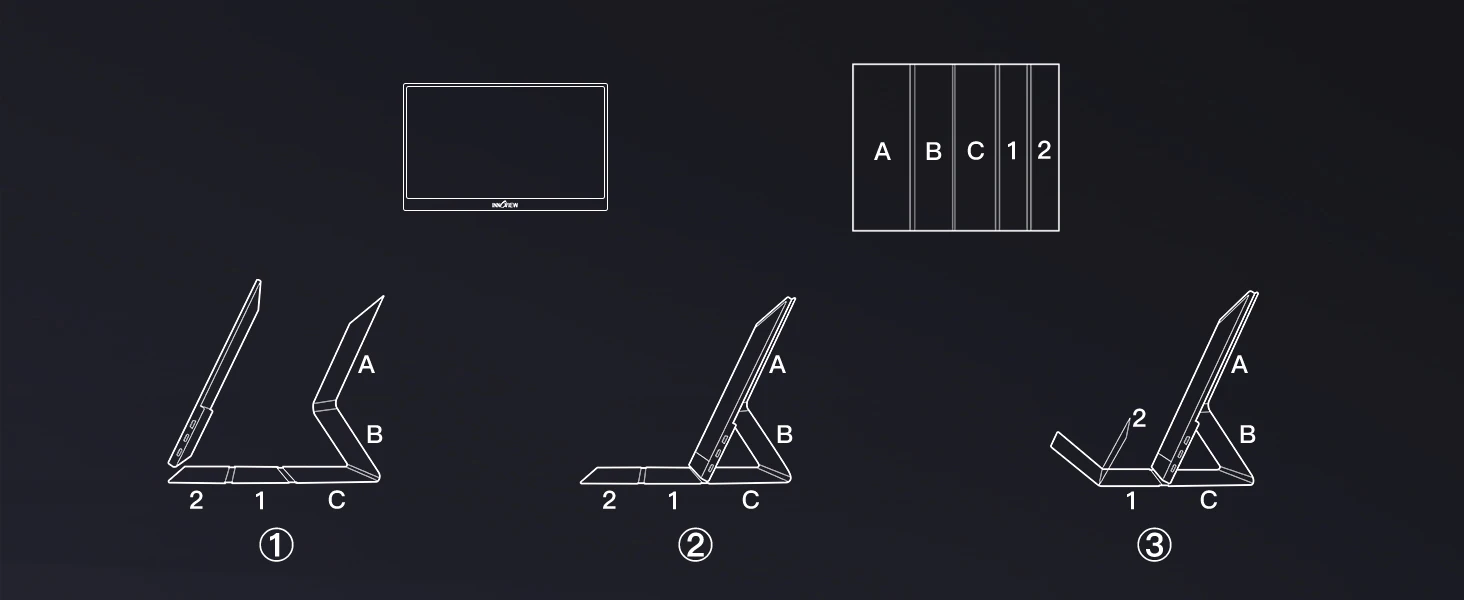
Multi-angle PU leather protective cover, doubles as stand, supports landscape & portrait modes for easy carry
External power supply available to eliminate screen flicker caused by insufficient device output power
FAQs
Q: Are you Trading Company or Manufacturer?
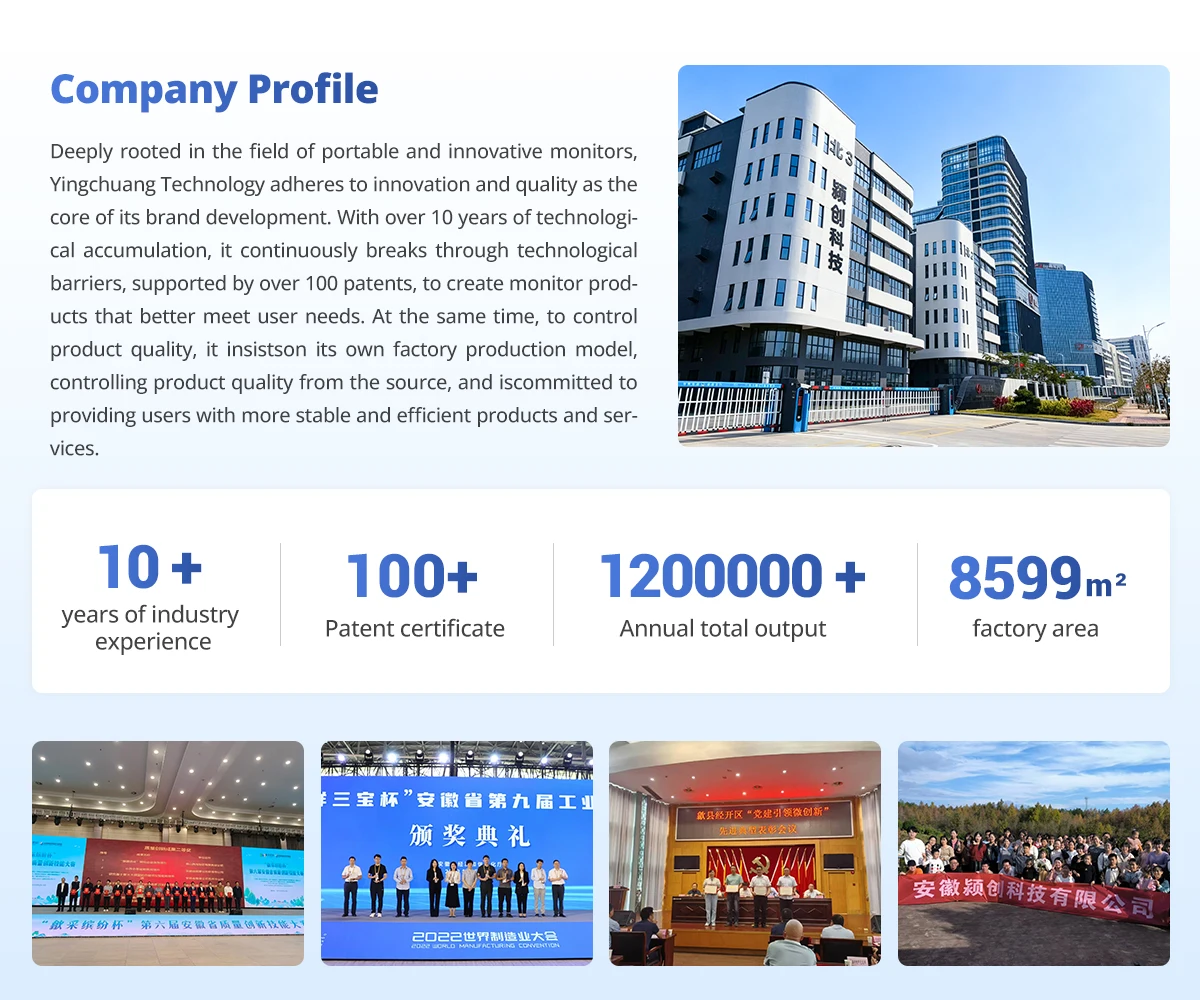
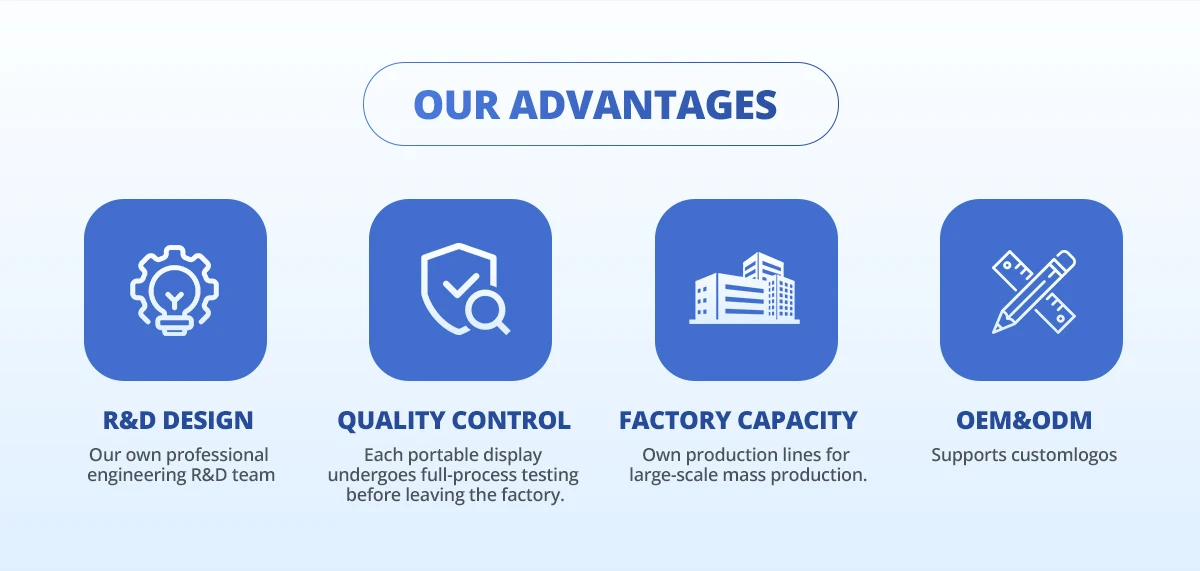
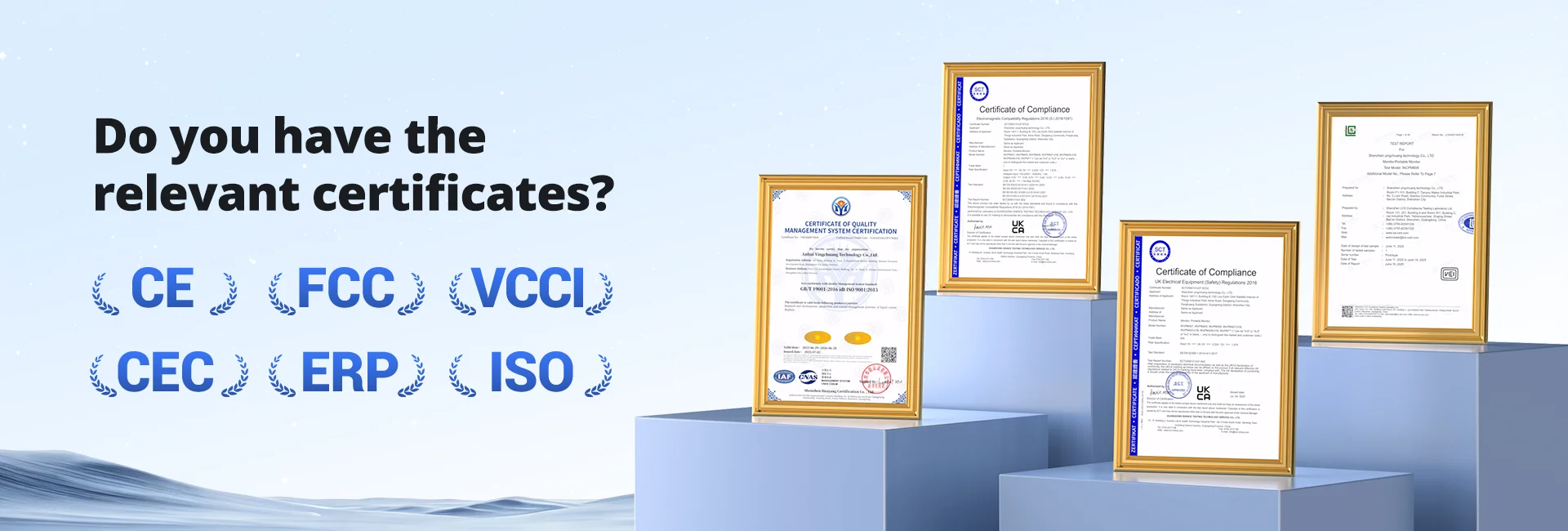
A: We are a factory, we manufacture portable monitors more than 10 years, have 5000 square meters factory.
Q: What is your quality control process?
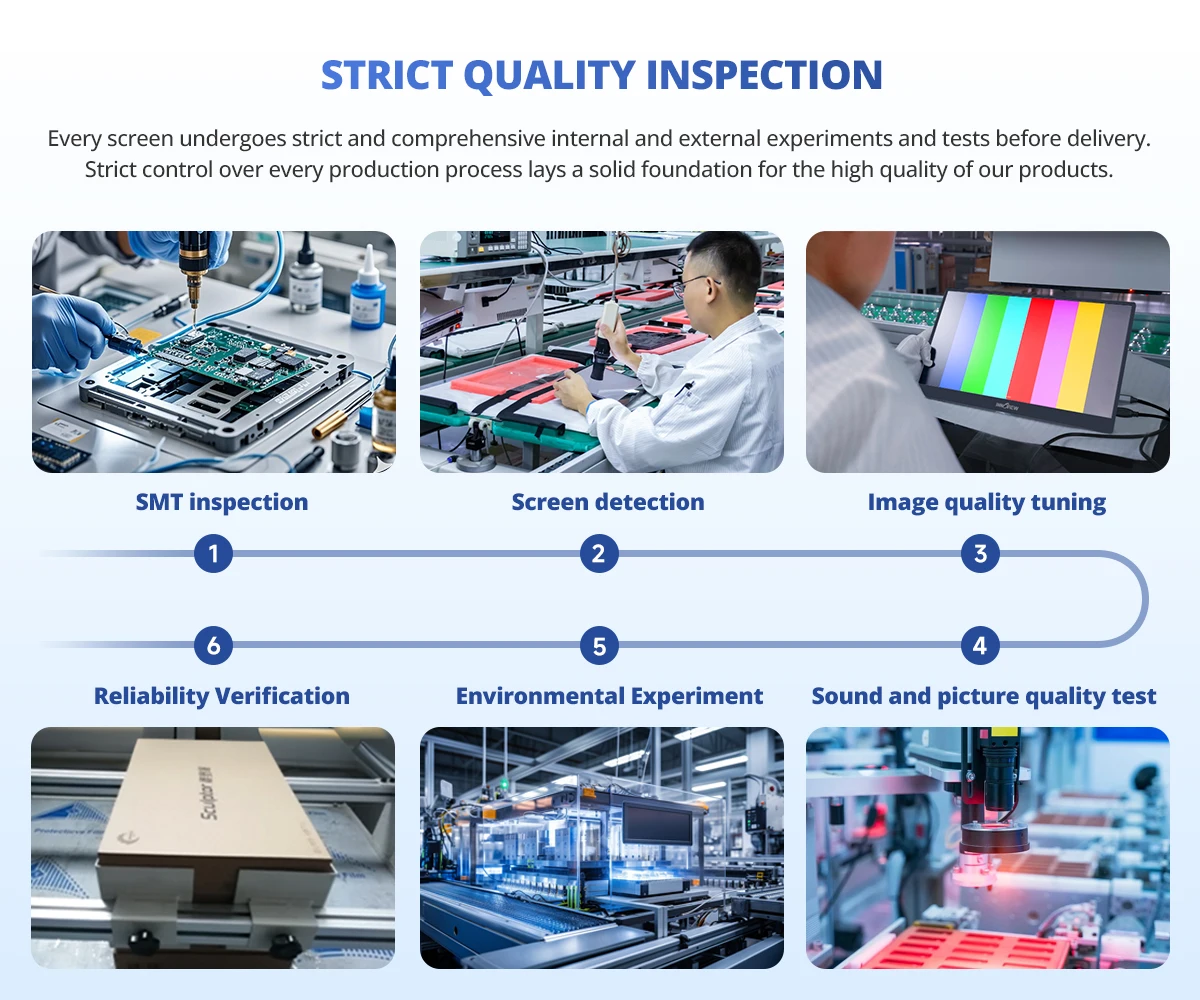
A: Every screen undergoes strict and comprehensive internal and external experiments and tests before delivery.We will inspect every productand ensure the portable monitor can work before shipped out.
Q: What's your MOQ?
A: Without MOQ,We can accept samples order also ,But we recommend buying more than 100 to save shipping.
Q: What should I know before purchasing?
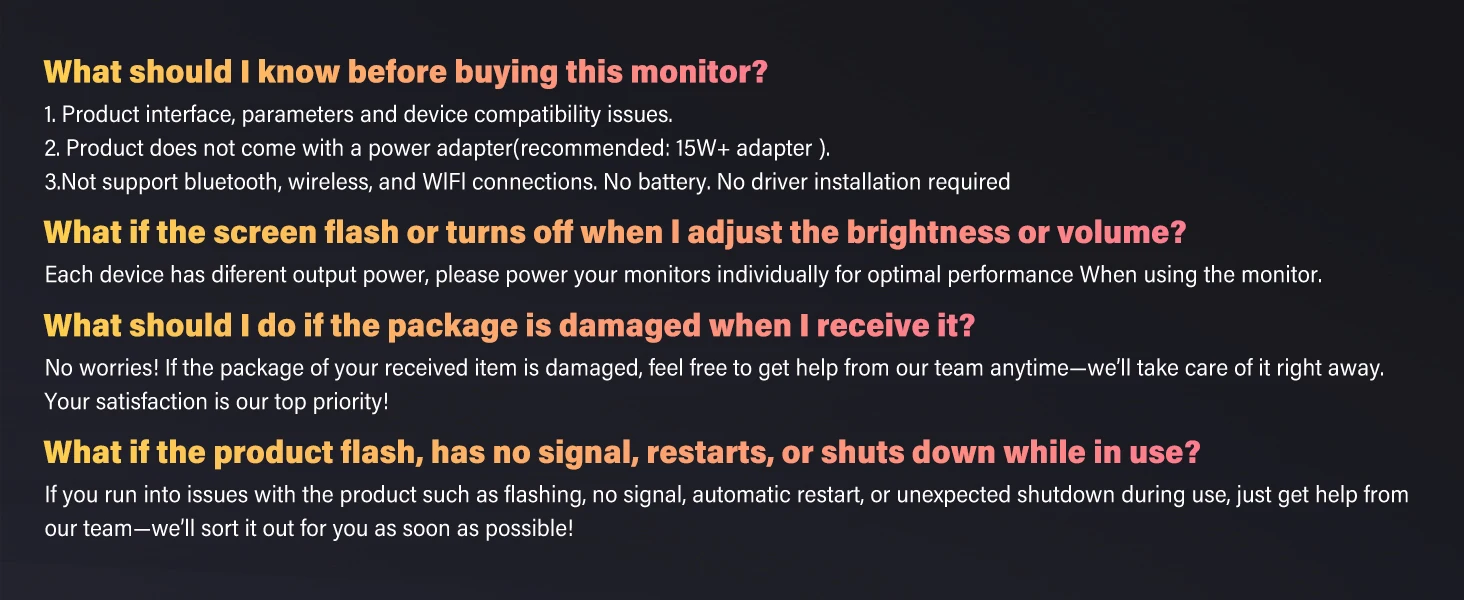
A: Not support bluetooth, wireless, and WIFI connections. No battery. No driver installation required.
Q: Why can't some devices have touch screens?
A: Because your device's system has protection restrictions, it cannot support touch. For example, PS314/5, Switch,X- box. Steam- Deck, Fire TV Stck/Cubeand Apple devices This is not a problem with the monitor, it is common to any touch portable monitor. Other functions are not affected.
Q: What if the screen flickers or turns off when I adjust the brightness or volume?
A: Each device has different output power, please power your monitors individually for optimal performance.
Q: What if the cursor is on the Pc screen instead of the portable display when touched?
A: Calilbration required Windows only) Control Panel-Hardware and Sound- Tablet Pc Setings Set up- Press ENTER, Click Portable monitor screen.
Q: Does it need an external power supply?
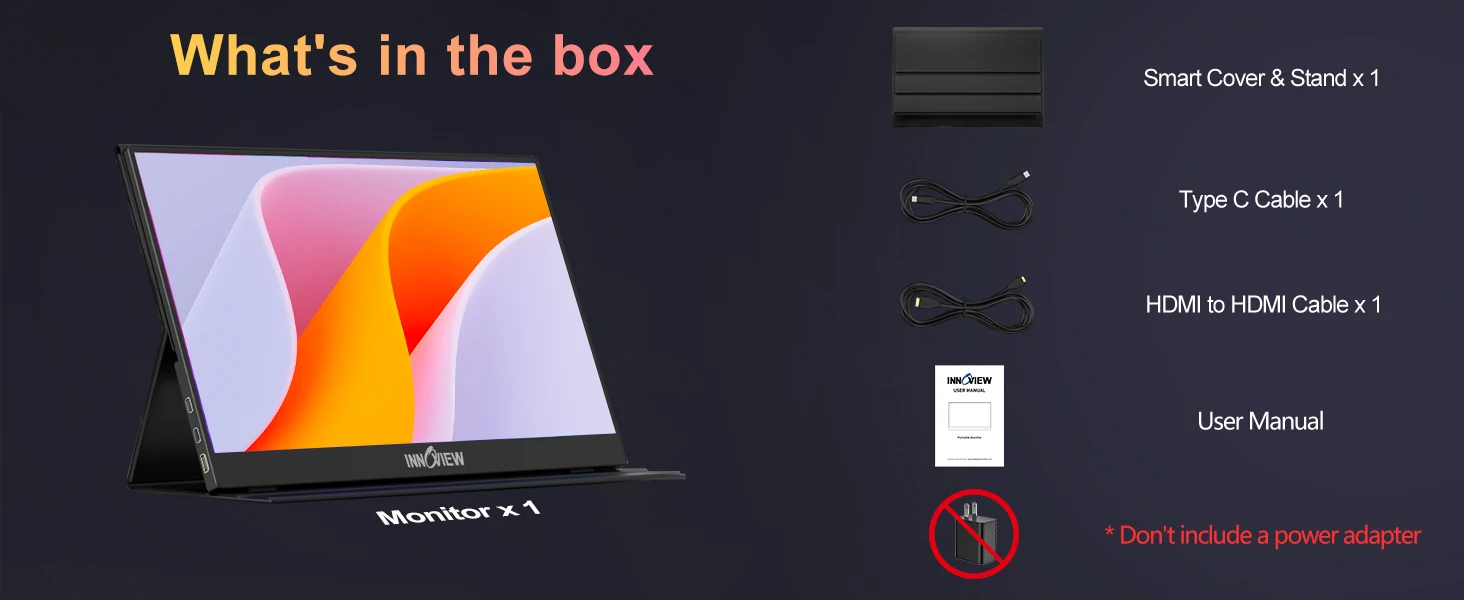
A: Requires an external power supply (included) due to larger size and higher power needs compared to 15.6" monitors.